Next.js localization
for modern app routes and pages
Manage locale JSON files, auto-translate content,
and sync with your Next.js app via CLI.
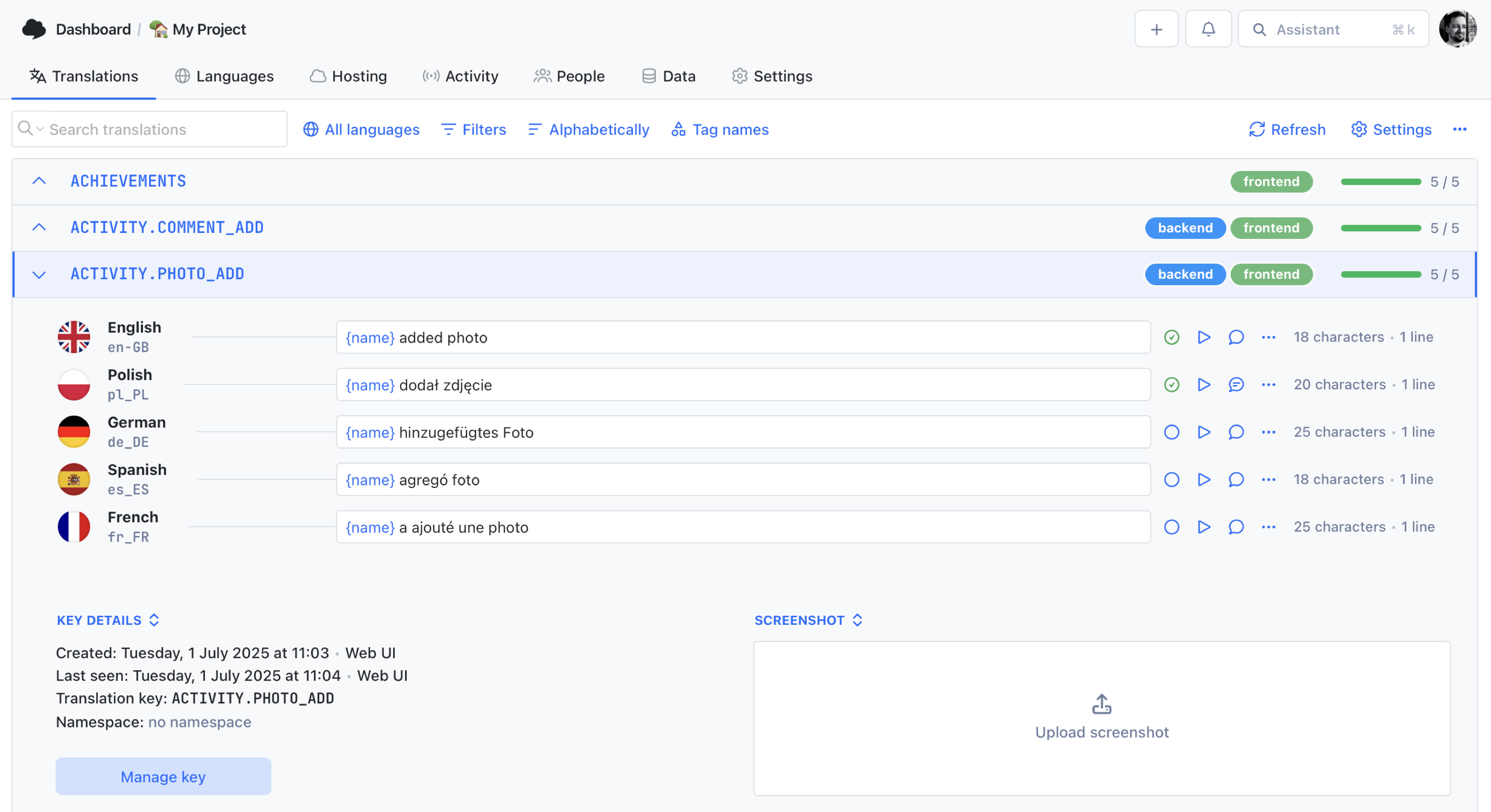
We power your product localization
From first commit to global launch














Why Next.js teams
use SimpleLocalize
Next.js projects often mix route-level rendering, shared UI components, and locale-aware data loading. As the app grows, translation files turn into a part of the deployment process, not just static content in a folder. Teams need a reliable way to update messages without losing track of namespaces, locales, and release timing.
SimpleLocalize works with the libraries Next.js teams already use, including next-intl, next-i18next, and next-translate. Push JSON files with the CLI, review text in the online editor, and pull finished translations back into the app for the next build.

Built for the Next.js localization workflow
From locale files to production deploys, SimpleLocalize fits the delivery model used by modern Next.js teams.
How it works
From locale files to production in 3 steps
A CLI-first flow that keeps Next.js translations aligned with every release.
Upload source locales
Run simplelocalize upload to push the source JSON files used by your Next.js i18n library.
Translate and review
Auto-translate missing text with DeepL or OpenAI, then review translations in the online editor with your team.
Download and deploy
Run simplelocalize download to pull translated files into the app before the next preview or production build.
For a step-by-step walkthrough, see the getting started guide.
Ready to simplify Next.js localization?
Start a free project and upload your first locale file in minutes.
Start for freeCLI pipeline
From source locales to deployment
in two commands
Push your source locale files, translate in the cloud, and pull updated JSON files back into the Next.js app.
Add these commands to CI/CD for automated localization in each build. Read more about the i18n online editor and visit all developer tools.
One project
for Next.js, React, and Vue
Building several web frontends? Manage translations in one SimpleLocalize project and export the right format for each framework.
Next.js (JSON)
Manage locale JSON files for next-intl, next-i18next, and next-translate in one place.
React (JSON)
Export JSON files for react-i18next, FormatJS, and other React i18n libraries.
Vue (JSON/YAML)
Manage locale files for vue-i18n and keep keys aligned across Vue apps.

Why SimpleLocalize
Built for Next.js developers
Practical tooling that matches Next.js release and localization workflows.
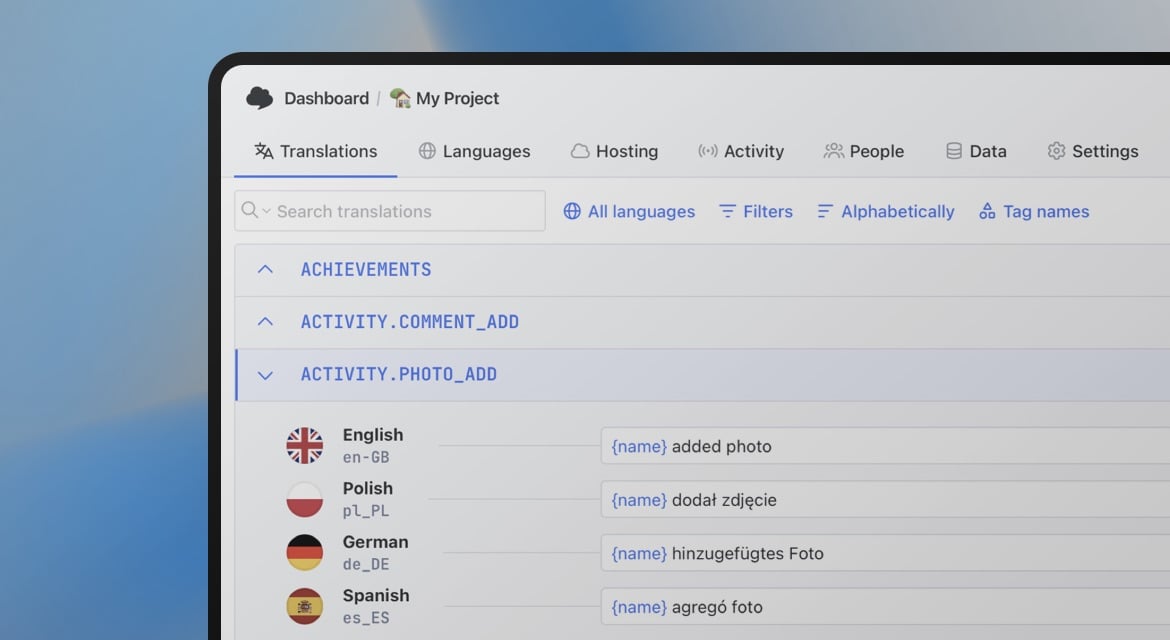
Start localizing your Next.js app today
- All-in-one localization platform
- Web-based translation editor for your team
- Auto-translation, QA-checks, AI and more
- See how easily you can start localizing your product.
- Powerful API, hosting, integrations and developer tools
- Unmatched customer support
"The product
and support
are fantastic."
"The support is
blazing fast,
thank you Jakub!"
"Interface that
makes any dev
feel at home!"
"Excellent app,
saves my time
and money"
Next.js localization resources
Guides and tutorials for Next.js localization with SimpleLocalize.
Android String resources: Complete guide to localizing Android apps
Learn how to manage Android string resources, plurals, and arrays. A technical guide to localizing Android XML files with SimpleLocalize for seamless translation workflows.

Vue.js i18n: The complete guide to localizing Vue and Nuxt apps
Learn how to internationalize and localize Vue 3 and Nuxt apps with vue-i18n. Covers setup, translation files, pluralization, locale detection, lazy loading, CI/CD integration, and SimpleLocalize workflows.
Xcode String Catalog (.xcstrings): The complete guide for iOS localization
Everything developers need to know about .xcstrings string catalogs. Covers JSON schema, extractionState and translationState flags, pluralization, device variants, universal placeholders, Git merge conflict strategies, Xcode 26 AI comments, and SimpleLocalize integration.

Python and Django i18n: A practical guide for developers
How Django's built-in i18n system works: gettext, message files, plurals, locale URLs, and syncing translations with a TMS.
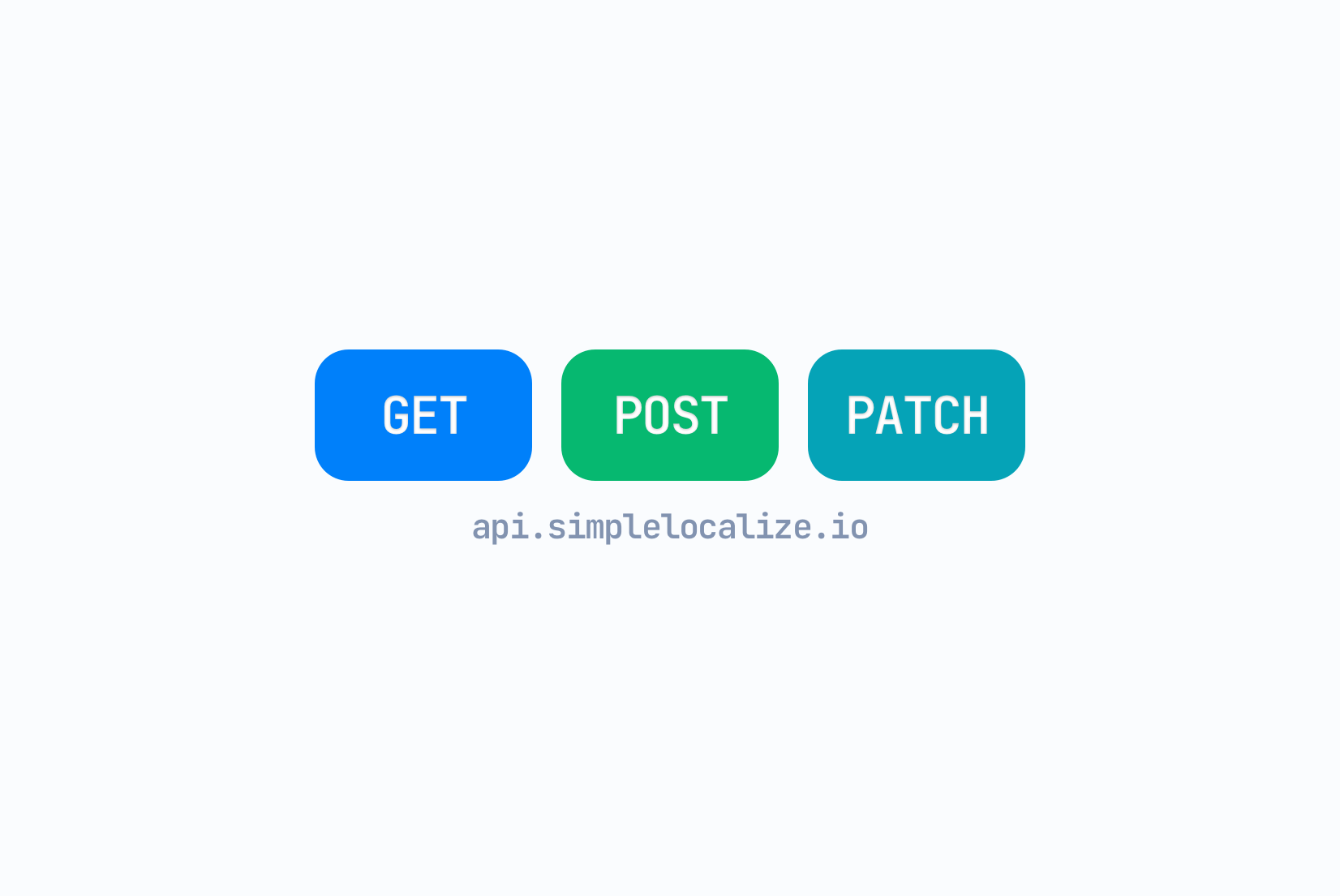
API-Driven localization: Designing scalable translation infrastructure
How API-driven localization works: architecture patterns, caching, rate limits, and when to use an API instead of CDN hosting.
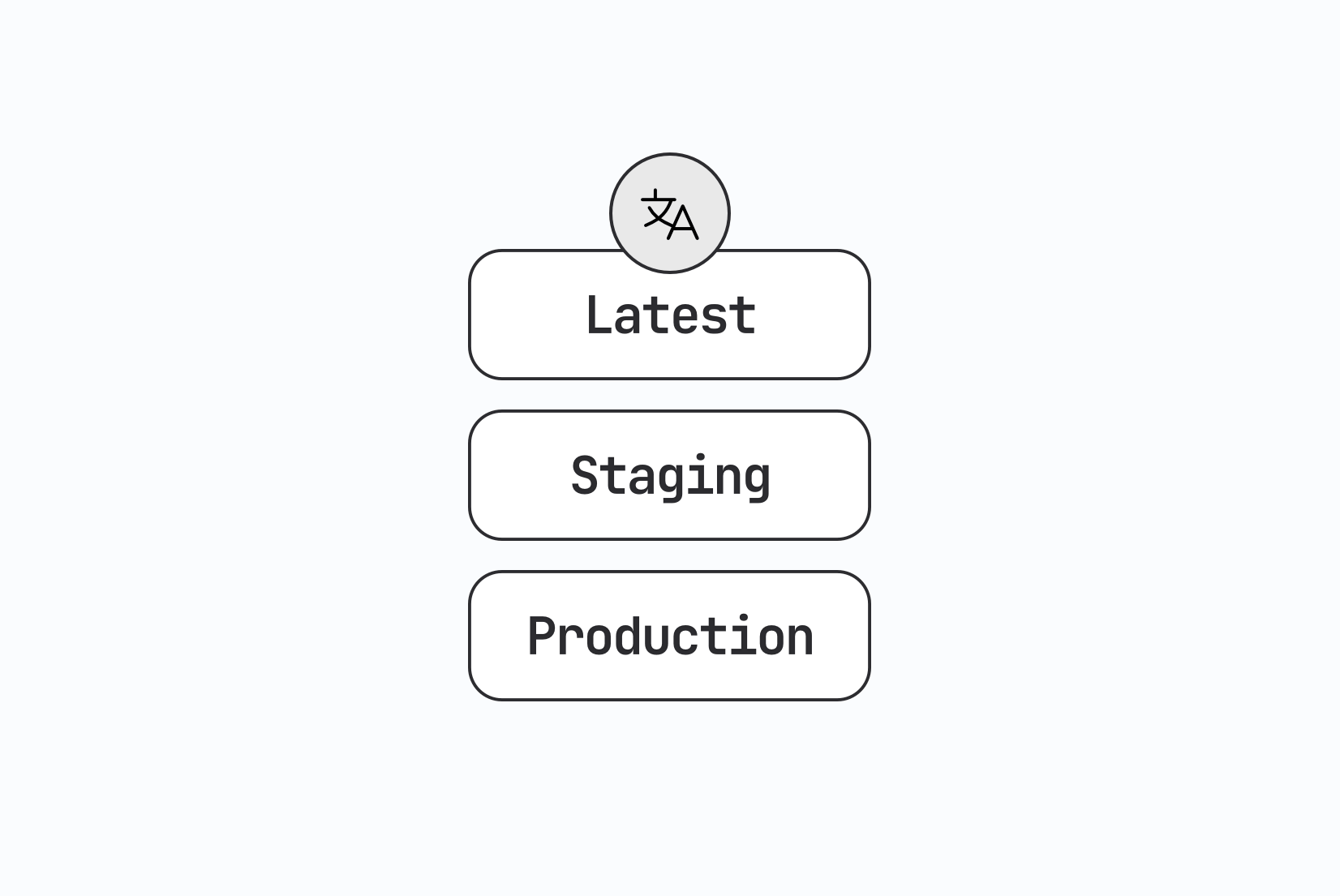
Environment-based localization: Managing translations across dev, staging, and production
Learn how to manage translations differently across dev, staging, and production. Environment setup, missing key behavior, CI/CD promotion, and real workflow examples with SimpleLocalize.
Frequently asked questions
How does SimpleLocalize handle Next.js translation files?
SimpleLocalize supports the JSON locale files commonly used in Next.js projects. Upload source files through CLI or API, manage translations in the online editor, and download files back in the same format your app already uses.
Does this work with next-intl, next-i18next, and next-translate?
Yes. SimpleLocalize works with next-intl, next-i18next, and next-translate, as well as custom JSON-based setups. You keep your library choice and manage the translation files in one place.
Can I use this with the App Router and Pages Router?
Yes. The localization workflow is compatible with both routing models because it operates on the translation files your app loads, not on a specific router implementation.
How does this fit into Next.js CI/CD pipelines?
Add simplelocalize upload and simplelocalize download commands to your build or deployment pipeline. Source locale files are pushed and translated files are pulled back automatically before deploys.
Should I bundle translations or load them at runtime?
Both approaches work. Many teams bundle translations at build time, while others use Translation Hosting to update copy without a new deploy. SimpleLocalize supports both models.