Software localization explained: Examples, benefits, and best practices

Software localization is often misunderstood as just translating an app. In reality, teams that take this approach usually run into the same problems: broken layouts, awkward wording, confusing UX, and poor adoption in new markets.
In this guide, we explain what software localization really is, how it differs from translation, and how teams localize software successfully. You will find clear definitions, real-world examples, and practical best practices you can apply to websites, SaaS products, and mobile apps.
This guide is part of our broader ultimate localization strategy guide for software & SaaS teams, which explains how localization fits into product, design, and growth decisions.
What is software localization
Software localization is the process of adapting a website, application, or digital product to a specific language, region, and culture. It goes beyond translating text and focuses on making the product feel natural and familiar to its target users.
Localization includes adapting:
- language and tone
- UX and UI patterns
- formats for dates, numbers, and currencies
- visuals, symbols, and cultural references
The goal is simple: the product should feel as if it was designed specifically for the local user.
From the user's perspective, well-localized software feels:
- natural and intuitive
- easy to understand
- culturally appropriate
- respectful of local habits and expectations

Software localization usually becomes relevant when a business expands into new markets. Adding new languages is often the first step, but localization is much more than translation. Its primary focus is improving user experience by tailoring the product to how people actually read, think, and interact in a given region.
Because of this, localization touches many areas: development, content, design, and marketing. It requires attention to detail and a good understanding of cultural context. When done correctly, localization strengthens trust and makes the product easier and more enjoyable to use.
Check out our What is internationalization (i18n)? and What is localization? articles for more insights on how to prepare your software for global markets.
Software localization examples
Software localization goes far beyond translating UI strings. Common examples include:
- Translating interface text while adapting tone and formality to the local culture
- Adjusting date, time, and number formats (for example,
12/10/2026vs10.12.2026) - Using local currencies and pricing formats
- Adapting images, icons, colors, and symbols for cultural relevance
- Handling pluralization and grammatical gender correctly in different languages
Localization vs translation
Translation and localization are closely related, but they are not the same. The table below highlights the key differences.
| Aspect | Translation | Localization |
|---|---|---|
| Scope | Text only | Text, UX, formats, visuals |
| Focus | Meaning | User experience |
| Cultural adaptation | ❌ | ✅ |
| Includes dates & numbers | ❌ | ✅ |
| Includes translation | — | ✅ |
Translation focuses on converting text from one language to another while preserving its meaning. The goal is accuracy and clarity in the target language.
Localization builds on translation and adapts the entire product to a specific culture and region. It considers how users perceive content, interact with interfaces, and interpret visuals.
Key differences to remember:
- Localization covers much more than text, including images, formats, and UX patterns
- The localization process is more complex and often involves translators, developers, designers, and marketers
- Localization includes translation, but elevates it by accounting for regional language variants and cultural expectations
Check also: Translation vs. Transcreation: What's the difference? and Translation vs. Localization: Key differences and practical examples for more insights on related concepts.
Common localization acronyms
As localization becomes more common, you will encounter many abbreviations and technical terms. Below are the most important ones to know.
Core localization terms
- l10n (localization) – adapting a product to a specific language, region, and culture.
- i18n (internationalization) – preparing software so it can be easily adapted to different languages and regions.
- g11n (globalization) – expanding a product or business to international markets using i18n, translation, and localization.
- t9n (translation) – converting text from a source language to a target language.
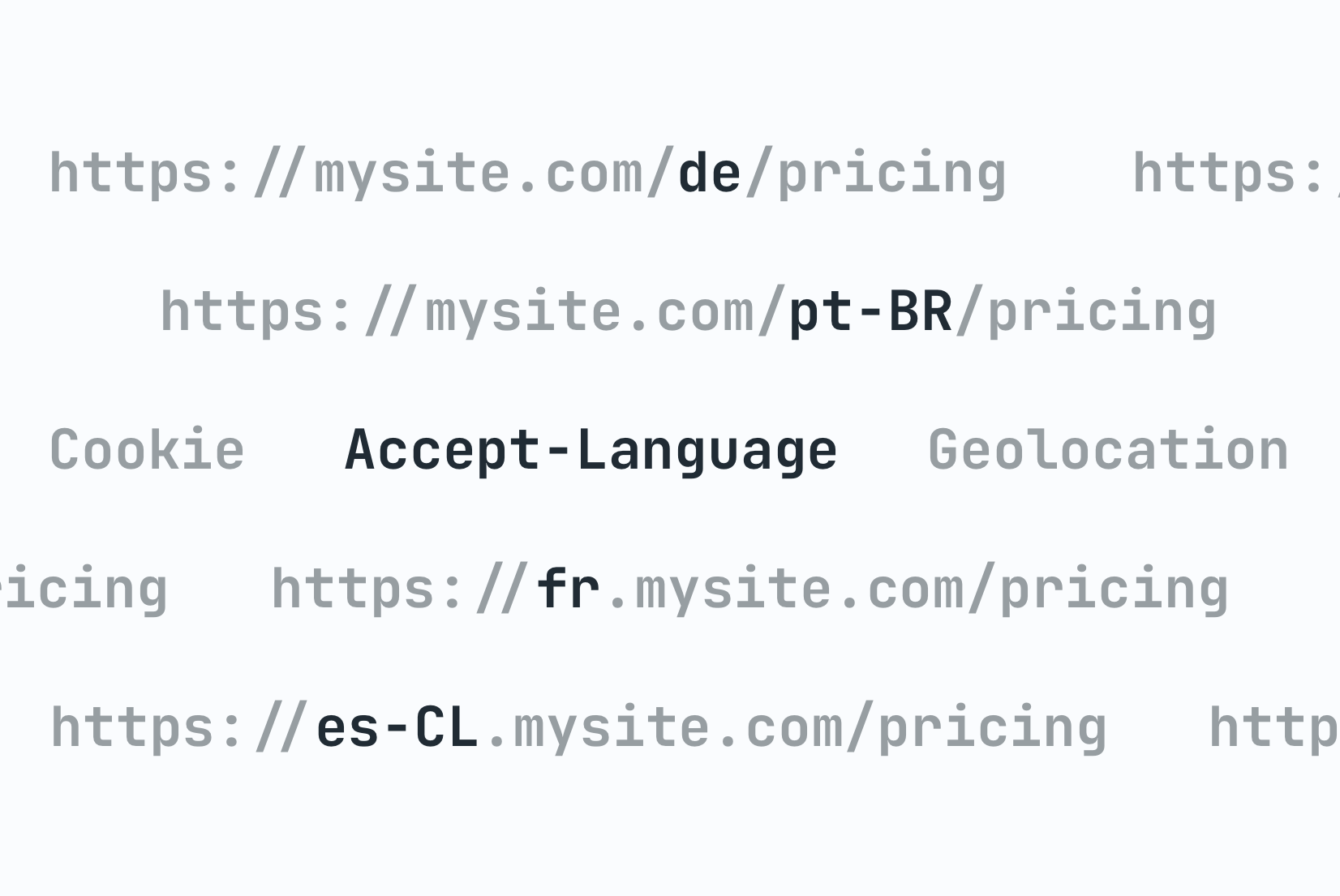
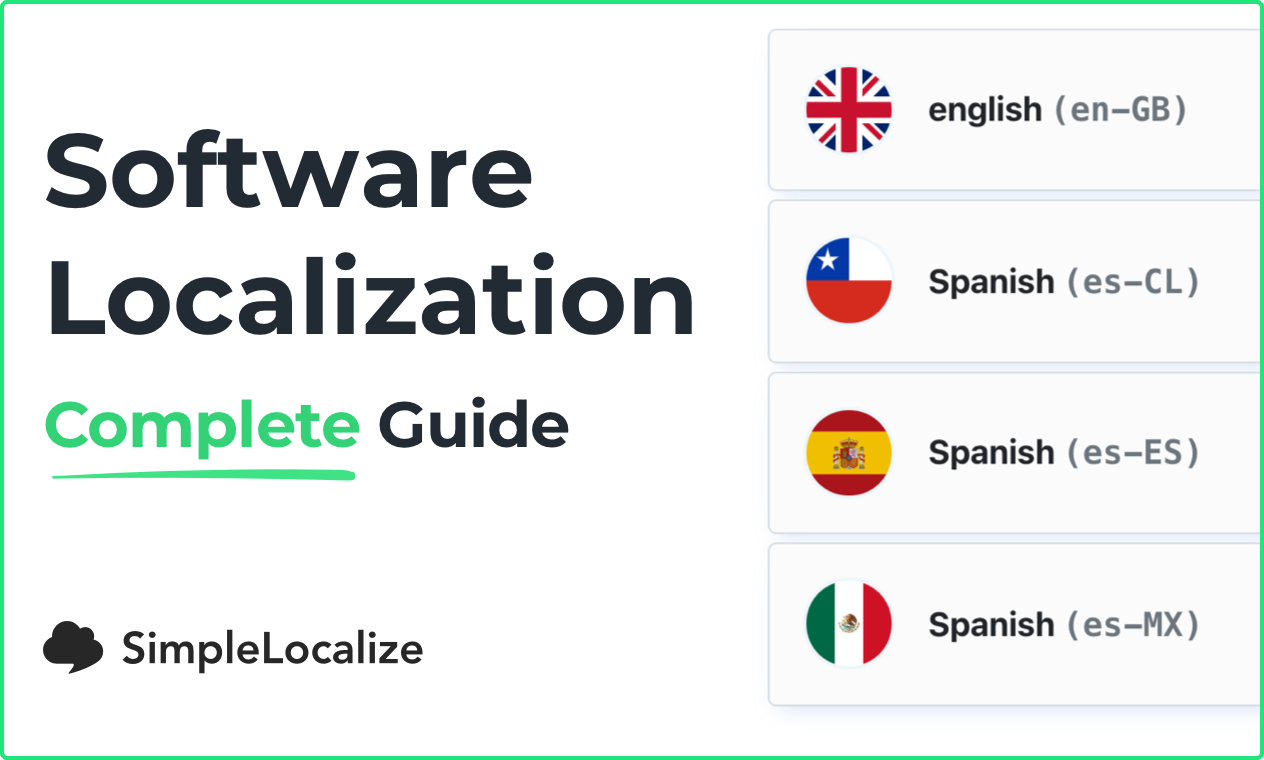
- locale – a combination of language and region, such as
es-ESores-CL.
Translation-related terms
- TMS (translation management system) – software used to manage and automate translation workflows.
- TM (translation memory) – a database of previously translated segments reused in future translations.
- MT (machine translation) – automatic translation performed by software.
- CAT – software that assists human translators.
- SL/TL – source language and target language.
- Glossary – a list of approved terms and definitions to ensure consistent translations.
Other related terms
- xl8 – shorthand often used to describe translation tools or systems.
- m17n (multilingualization) – supporting multiple languages in a product.
- a11y (accessibility) – designing software so people with disabilities can use it effectively. (Learn more about web accessibility in our blog post.)
Why is localization so important?
Localization matters because users trust products that feel familiar. Software that ignores local language, formats, and conventions feels foreign, even when it is technically translated.
Effective localization:
- Improves customer satisfaction by making products easier to understand and use.
- Shows respect for users and their culture.
- Helps expand into international markets and grow a global customer base.
- Avoids one-size-fits-all content and focuses on local relevance.
- Strengthens the emotional connection between users and the product.
- Improves SEO by helping content rank in local search results.
Software localization process (step by step)
You can start localizing at any stage, but the earlier you plan for it, the smoother the process will be.
1. Decide which markets and languages to support
Start by identifying the countries and audiences you want to reach. Research language variants, cultural norms, and user expectations. Look at how similar products operate in those markets and identify what needs to change for your product to feel local.
2. Prepare for localization
On the technical side, prepare your codebase for localization and internationalization. Choose appropriate libraries and define a clear translation structure so content can be easily managed and updated.
Check our list of best i18n libraries for React, React Native & NextJS.
3. Translate content
Once your product is ready, translate all user-facing content. To streamline the process:
- Use professional translators or machine translation with human review to ensure quality and accuracy.
- Plan how you will manage updates and new features that require translation.
- Consider using a translation management system (TMS) to organize and automate the workflow.
- Design UI layouts with text expansion in mind, as some languages take up more space than others.
- Create a glossary to ensure consistent terminology across languages.
4. Localize formats, UX, and visuals
Text alone is not enough. Pay close attention to regional conventions:
- Numbers – decimal and grouping separators vary by region.
- Dates and time – formats and 12/24-hour clocks differ.
- Currencies – symbol placement and decimal usage vary.
- Images and icons – symbols may carry different meanings across cultures.
- UI and UX– design preferences and expectations are not universal.
Lean more about ICU and number formatting in Javascript.
5. Test and iterate
Test localized versions with native speakers whenever possible. Collect feedback on usability and clarity, then refine the product continuously.
Localization tips and resources
If you want to go deeper, these resources can help you improve your localization workflow:
- i18n tips and tricks
- 15 tips to make your localization workflow more productive
- Best practices in software localization
- How to handle pluralization across languages
- 11 common localization mistakes (and how to avoid them)
- Design that speaks every language: UI tips for localization
- 10 tips for creating a language selector in your website or app
- Localization SEO: Best practices
What is localization software
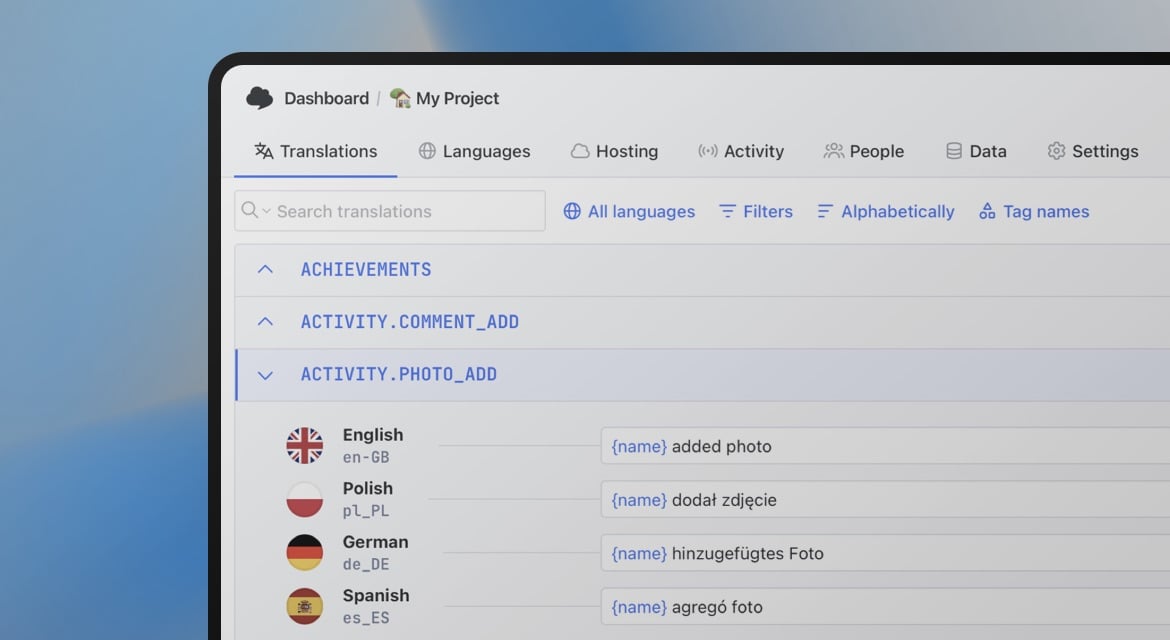
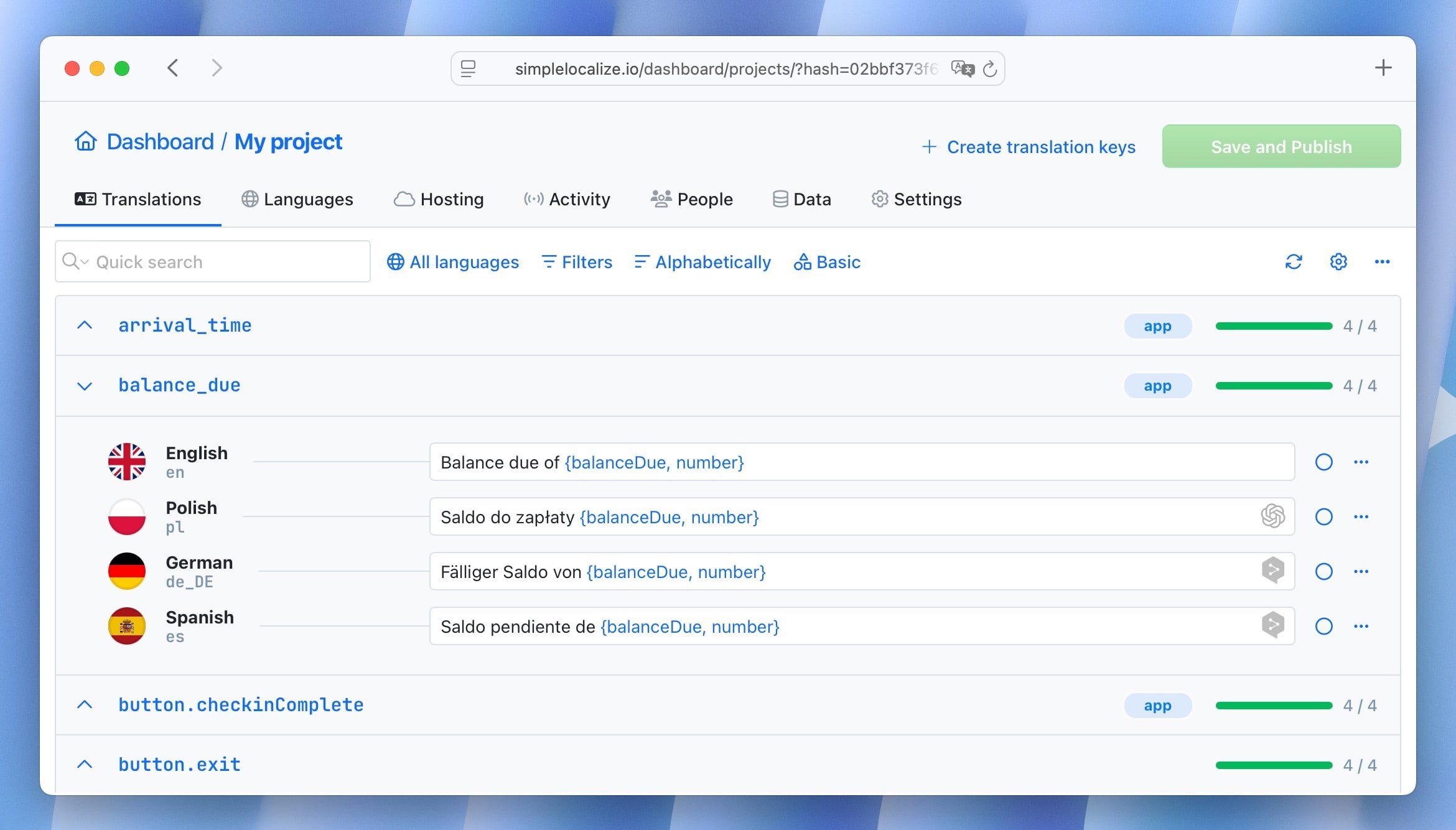
Localization software helps teams manage translations and localization workflows in one place. It typically supports automation, collaboration, and fast deployment of language updates.
Common features include:
- automated translation workflows
- centralized translation management
- instant updates to development and production environments
- version history and change tracking
- support for multiple file formats and frameworks
- role-based access for translators and managers
- QA and review tools
Because localization involves many stakeholders, a dedicated tool can significantly reduce friction and speed up delivery.
Software localization FAQ
Is software localization the same as translation?
No. Translation is part of localization, but localization also includes UX, formatting, and cultural adaptation.
When should you localize software?
Ideally before entering a new market or when international users begin using your product regularly.
What types of software need localization?
SaaS products, mobile apps, e-commerce platforms, and any user-facing software.
Does localization improve SEO?
Yes. Proper localization helps rank content in local search results and improves user engagement.
How can I test localized software?
Use native speakers for usability testing and gather feedback on clarity and cultural relevance.
Conclusions
Software localization is about meeting users where they are, linguistically, culturally, and contextually. While it requires planning and coordination across teams, the payoff is significant: better UX, stronger trust, and sustainable international growth.